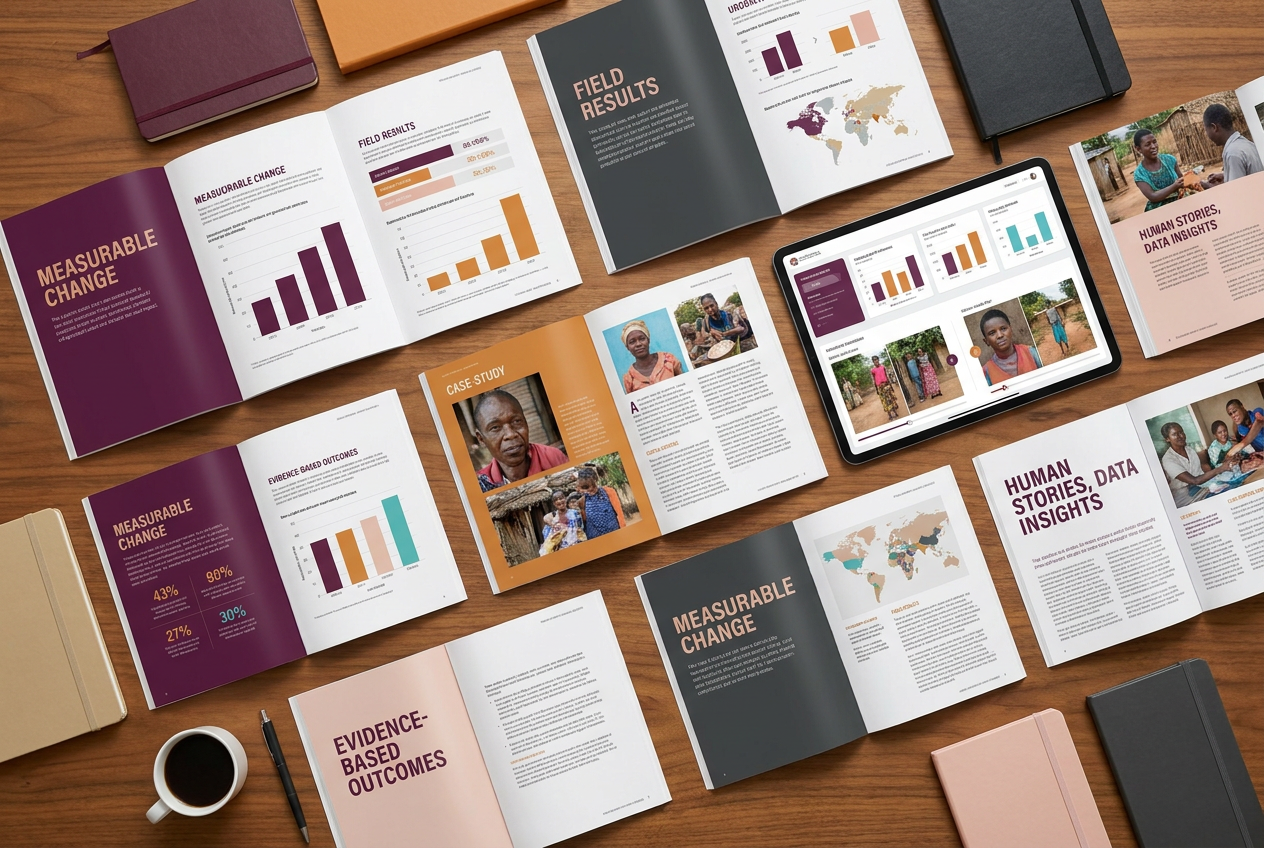
Practical thinking on design for international organizations — from turning technical reports into clear stories to building presentation systems that actually hold up under institutional review.
Cross-Cultural Communication
Designing for Cross-Cultural Policy Communication
When your document needs to work in Geneva, Lima, Manila, and Nairobi simultaneously, most design conventions fail. Color symbolism shifts. Reading direction assumptions break. Institutional hierarchy signals differ dramatically. The answer isn't neutrality — it's intentionality.
After 30 years designing for multilateral institutions, my approach starts with a single question: what does credible authority look like to each audience this document will reach? The answer shapes everything from typeface selection to the weight of a rule line in a table.
The most common mistake I see in institutional design is defaulting to generic corporate aesthetics. That's not neutral — it reads as American or European corporate, which carries its own cultural weight. True cross-cultural design requires research, restraint, and a willingness to make deliberate choices rather than safe ones.
Publication Design
Turning Technical Reports into Clear Visual Stories
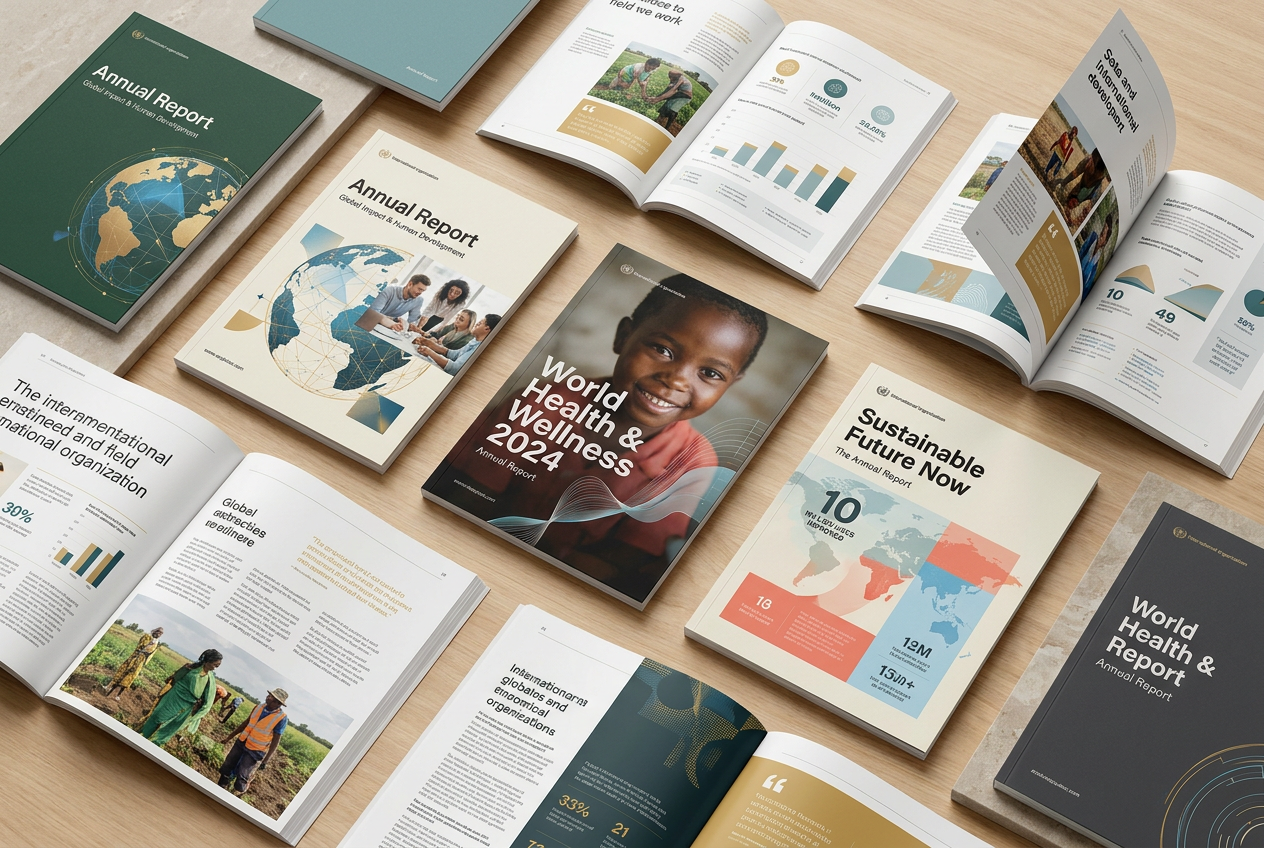
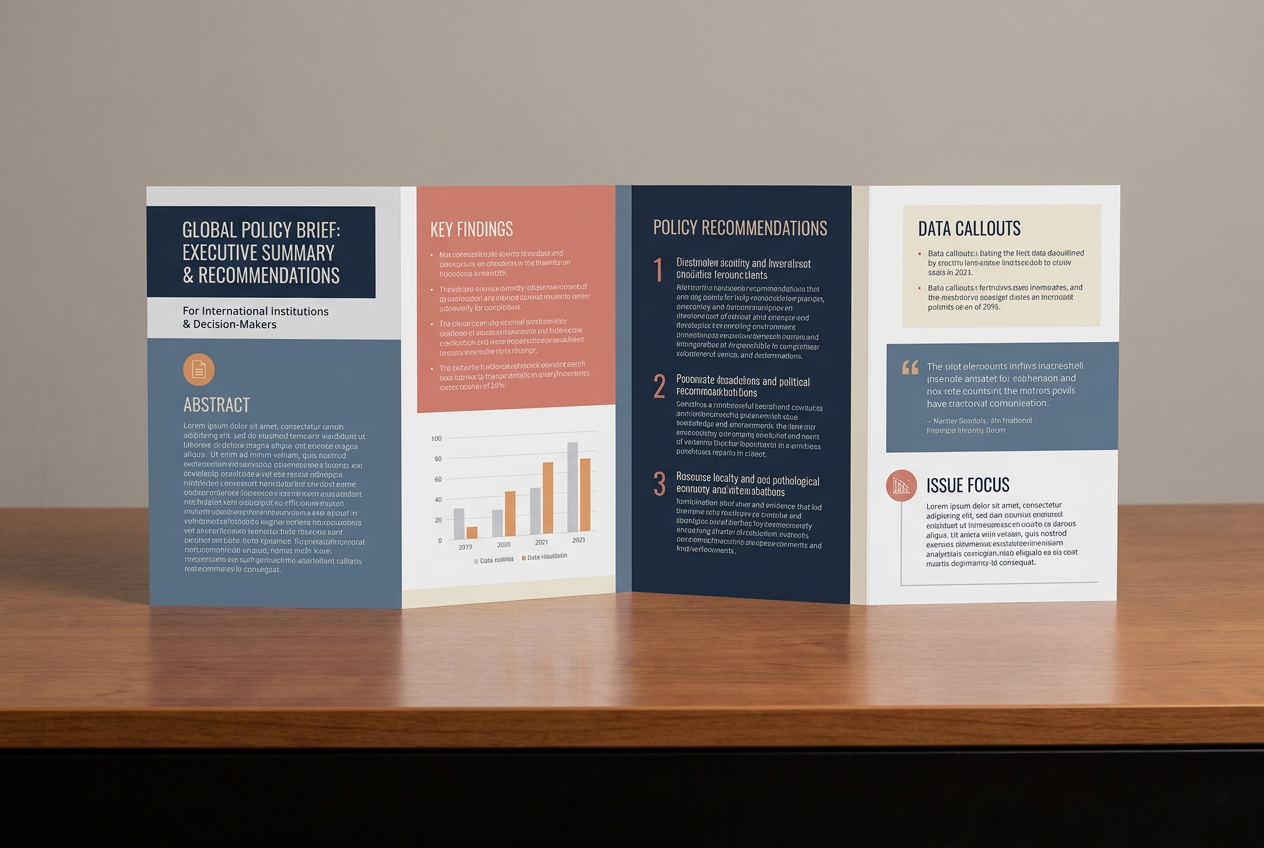
Most institutional reports fail their readers before the first sentence. Not because the content is weak — it often isn't — but because the structure forces the reader to work too hard to find what matters. The visual hierarchy is absent. The data isn't explained. The key finding is buried on page 34.
Strategic publication design starts by asking: what decision does this document need to support? Every page, every chart, every callout should exist in service of that answer. The editorial structure is designed before the visual structure — and the two should reinforce each other completely.
The result is a document that an overworked policy director can scan in three minutes and still walk away with the right understanding. That's not simplification — that's clarity. And it requires more skill, not less.
Data Visualization
Visualizing Global Health Data: What Works and What Doesn't
A chart that requires a legend to decode is a chart that's doing its job halfway. In global health communication — where the data involves disease burden, mortality rates, and health system capacity across dozens of countries — the stakes of misinterpretation are high.
What works: annotated charts that explain the story directly on the visual. Consistent color encoding across an entire document. Hierarchies that show both the headline number and the context that makes it meaningful. Small multiples when comparison across geographies is the point.
What doesn't: 3D pie charts. Dual-axis charts that imply relationships that don't exist. Maps without baselines. And above all — data visualization that serves the analyst's ego rather than the reader's understanding.
Executive Presentations
Building Better Presentation Systems for International Organizations
Most organizations treat PowerPoint as a formatting problem. They commission a template, distribute it, and assume the problem is solved. Within six months, the template is broken — slides pulled from old decks, fonts substituted, colors drifted, brand logic abandoned.
A real presentation system is a different thing entirely. It's a set of slide architectures — each designed for a specific communication purpose — combined with guardrails that make it easier to do the right thing than the wrong thing. It includes guidance on when to use which layout, what density of content is appropriate for which audience, and how to adapt the system for regional contexts.
When I build a presentation system for an international organization, I design for the person who will use it under deadline pressure, without training, for a ministerial briefing in two days. That's the real user. The system has to hold up for them.
Donor Communication
Helping Donors Understand Impact Through Design
Development organizations face a persistent communication challenge: the people who fund the work are rarely the people who do the work or benefit from it. Translating complex programmatic outcomes into donor-readable impact requires a specific kind of visual intelligence.
The best donor communication I've helped create does three things simultaneously: it tells a human story, it proves programmatic rigor, and it makes the case for continued investment — all without appearing to do any of these things overtly. The visual language has to be trustworthy before the content can be persuasive.
This is where most development organizations underinvest. They produce technically excellent program reports and pair them with design that signals "small nonprofit" rather than "credible institutional partner." The gap between program quality and communication quality is often the biggest risk to continued donor confidence.
Resilience & Recovery
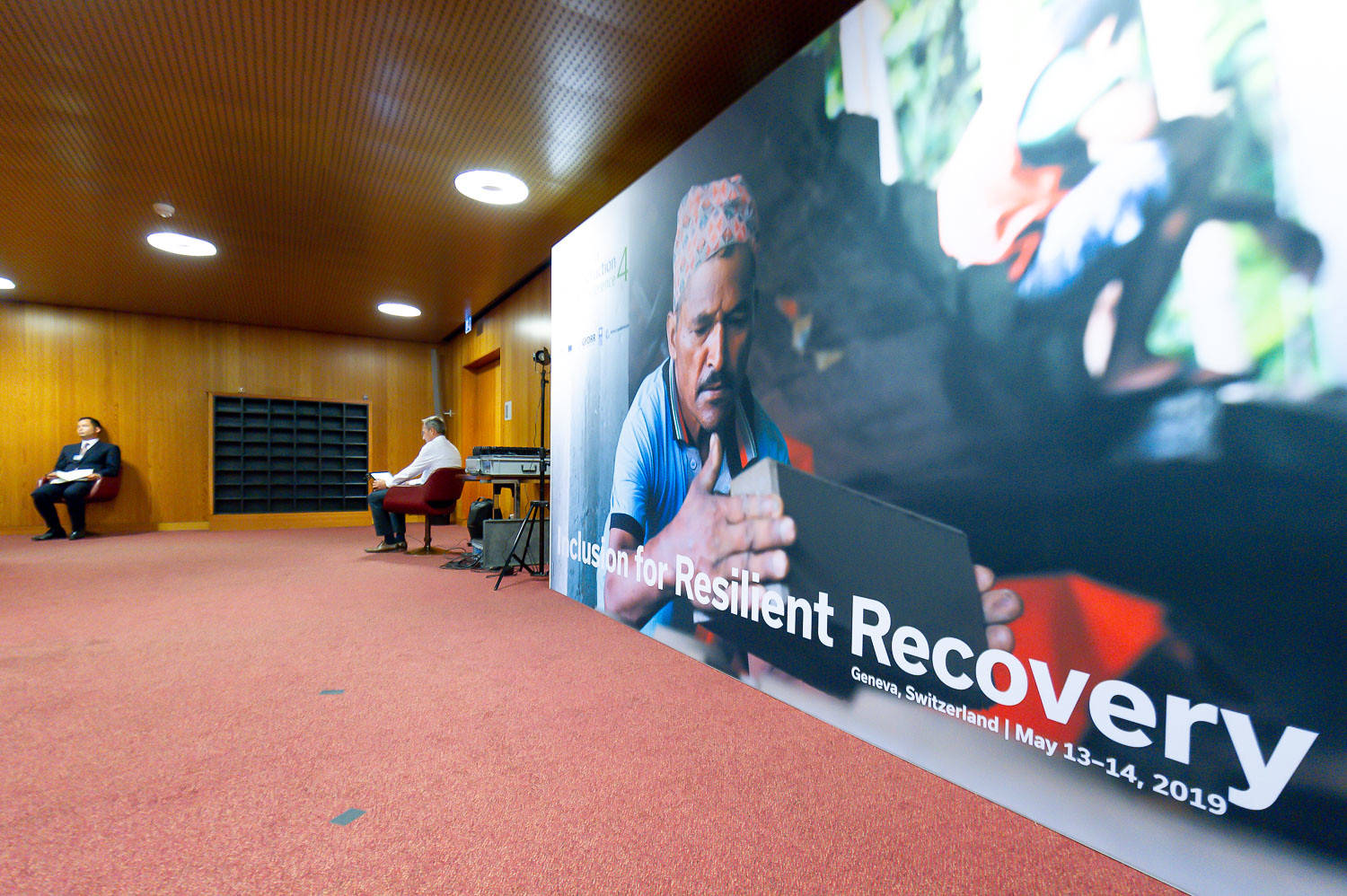
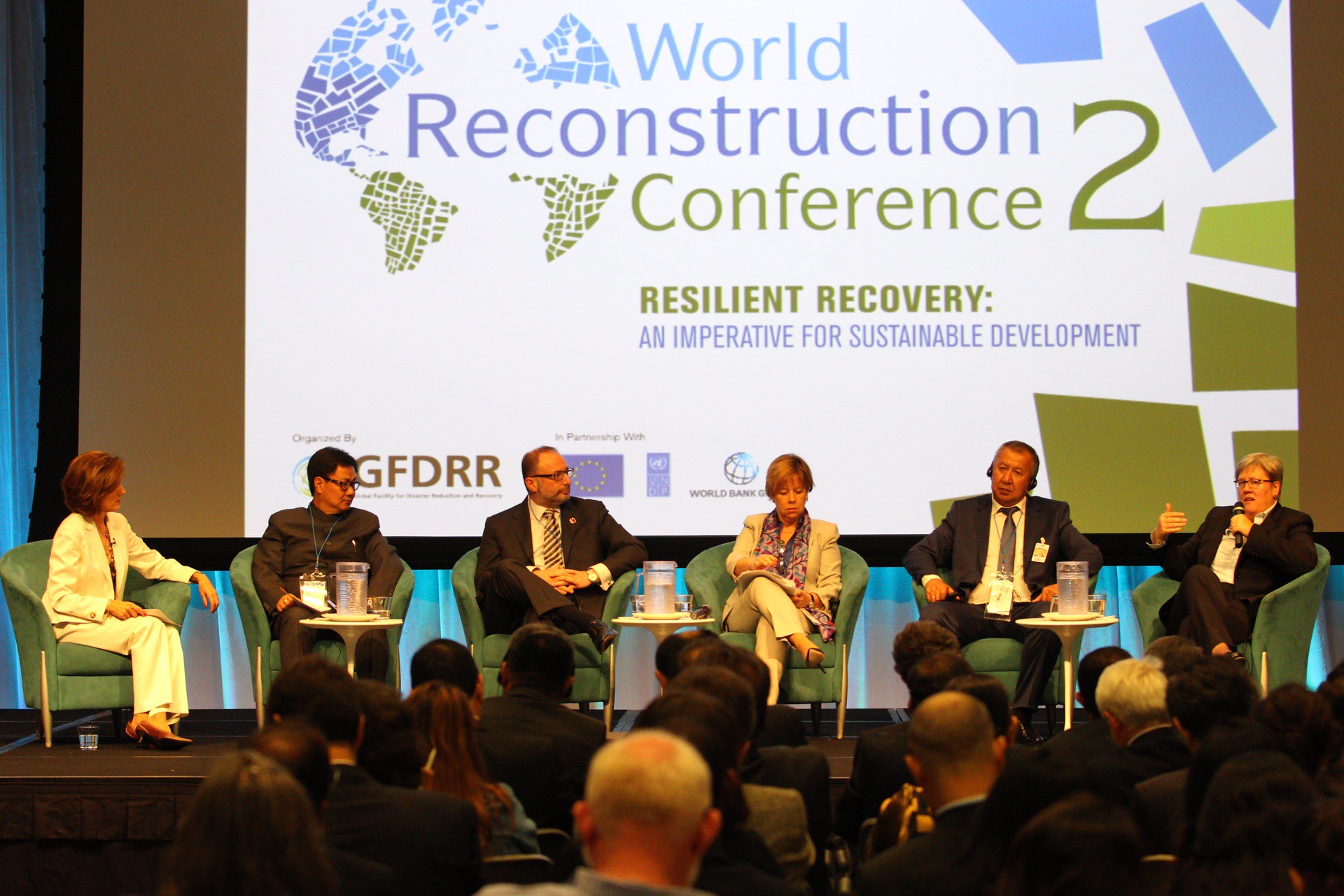
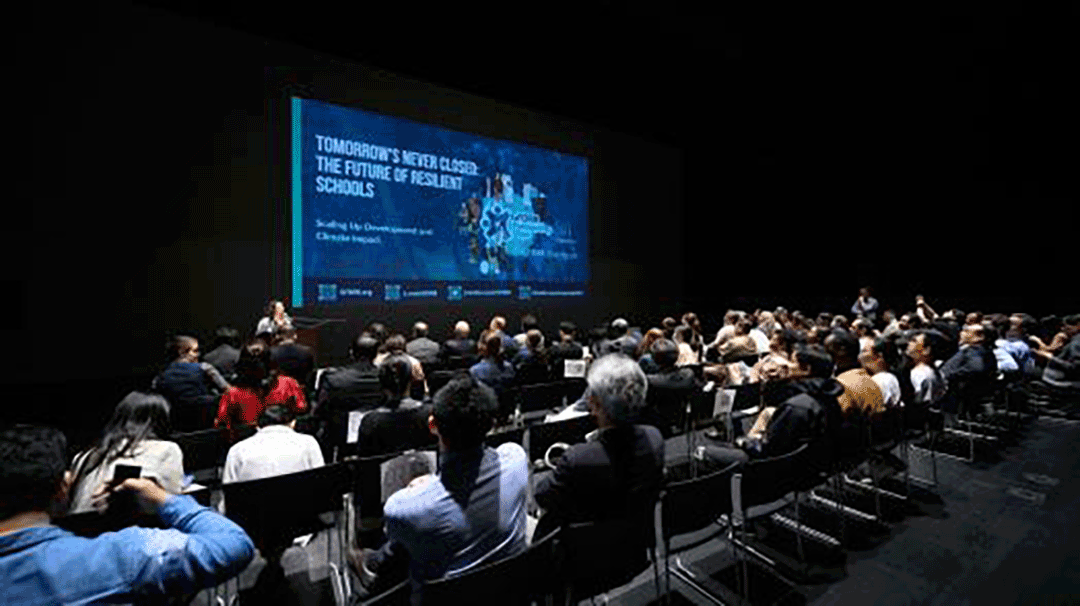
The Visual Language of Resilience: Designing for Disaster Recovery
Designing visual communication for disaster recovery programs is one of the most demanding challenges in institutional design. You are communicating about loss, trauma, and reconstruction simultaneously — to audiences that include survivors, government officials, international donors, and the global media.
The visual language of recovery cannot be triumphalist — that feels false and disrespectful. It cannot be mournful — that undermines the forward momentum that recovery requires. It must hold both the gravity of what happened and the determination of what's being built. That's a precise calibration that generic design cannot achieve.
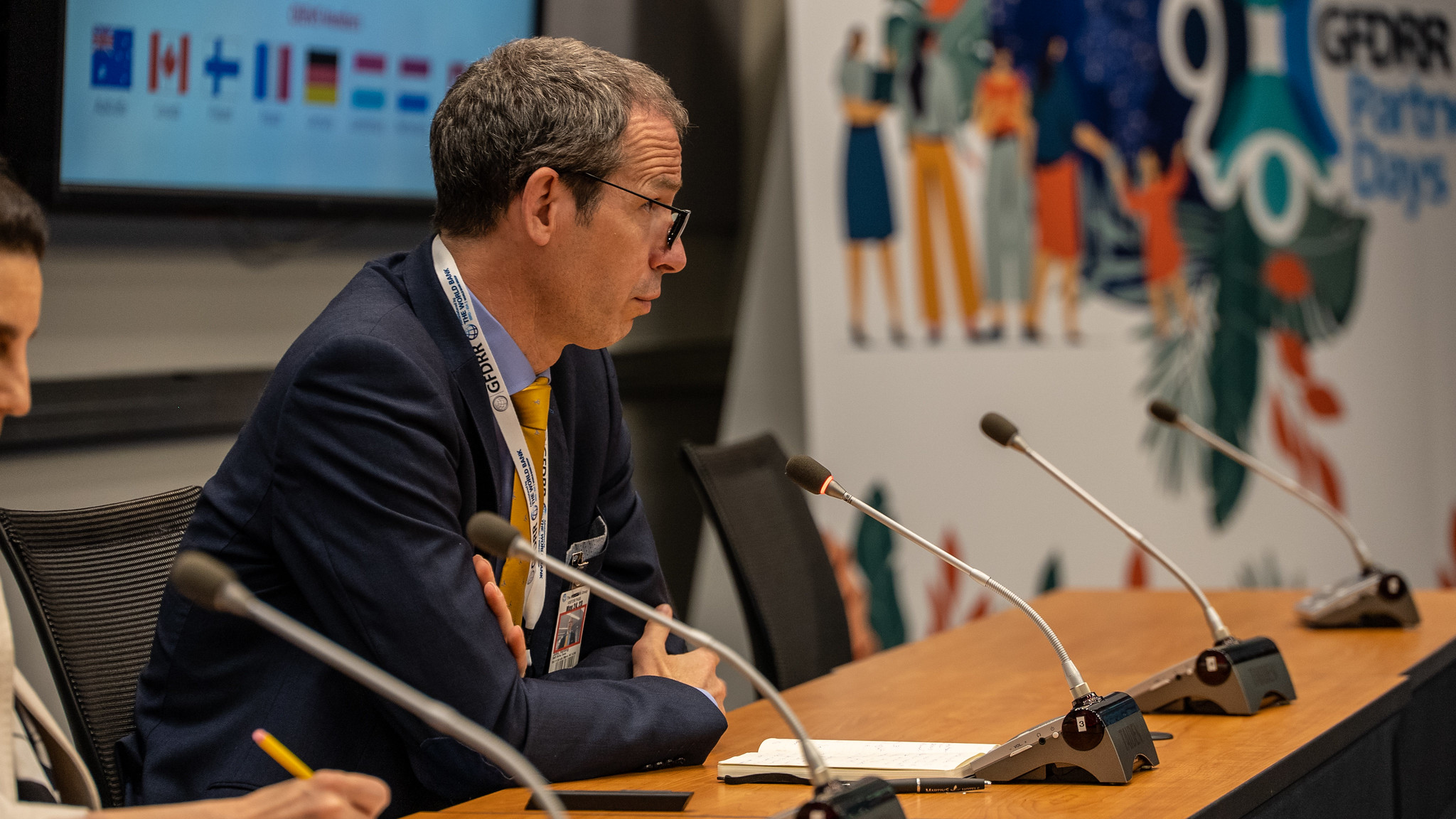
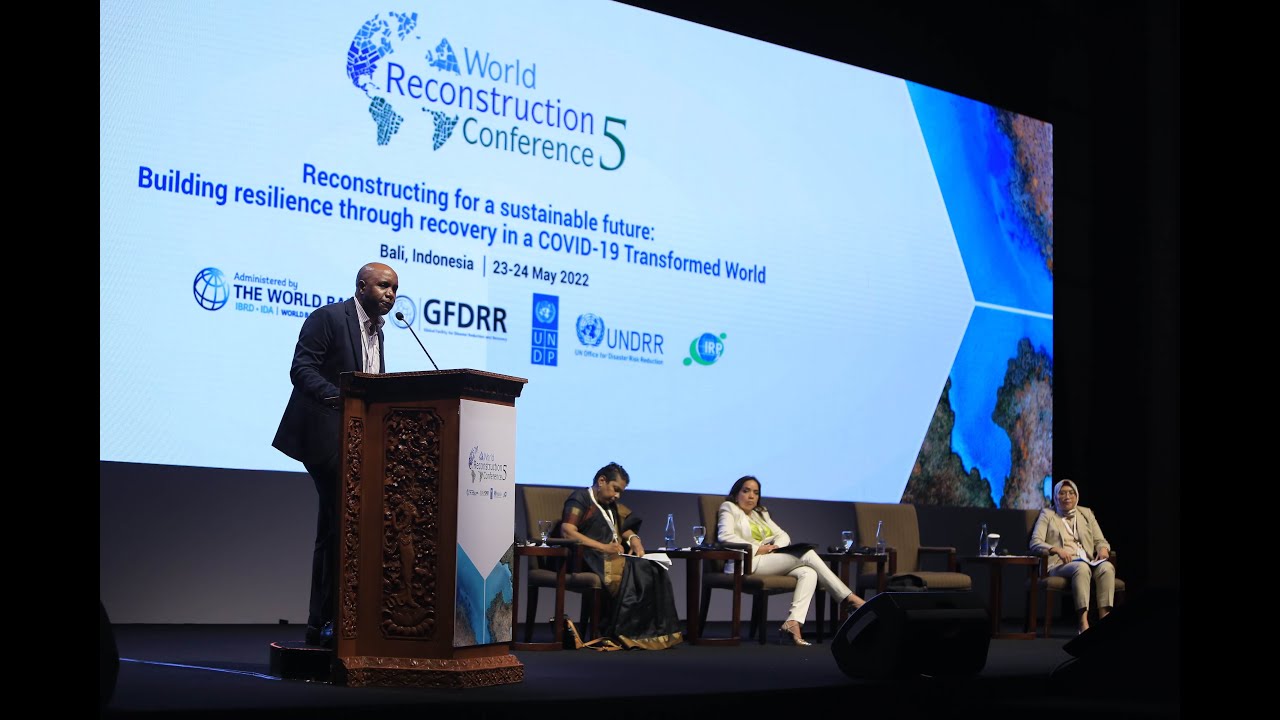
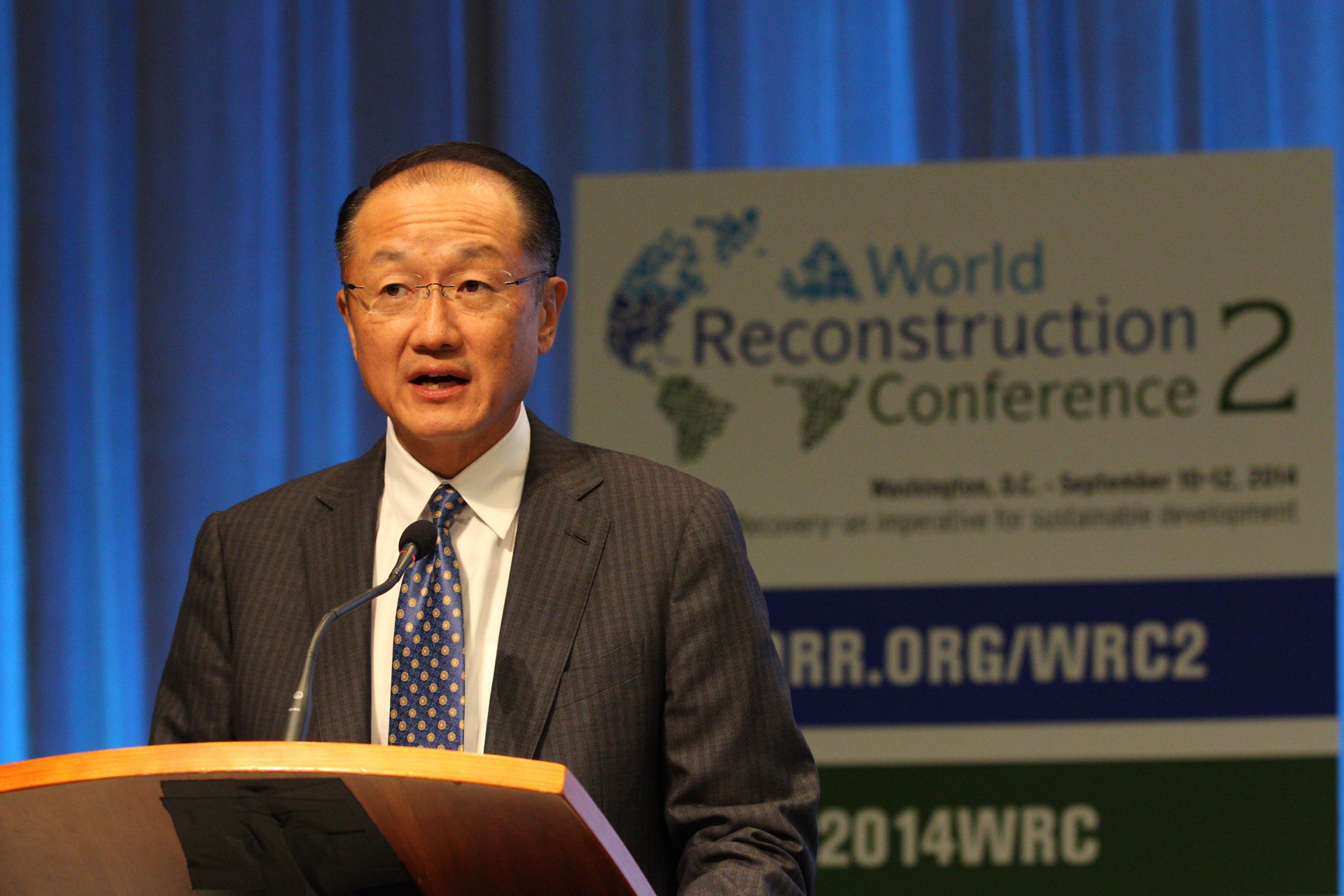
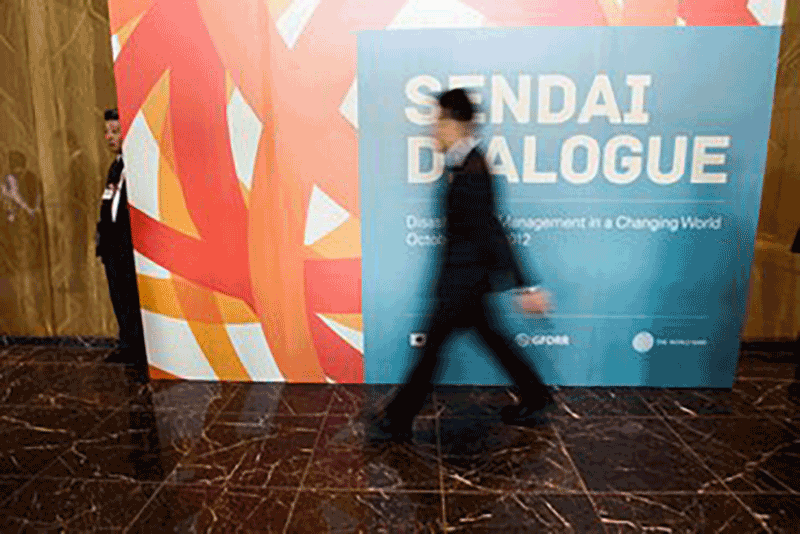
Over more than a decade working with GFDRR and the World Bank's disaster resilience programs, I developed a visual vocabulary for this work — one that communicates resilience without romanticizing destruction, and progress without minimizing loss. It starts with listening carefully, and it ends with choices that are justified at every level.
Knowledge Products
Designing Knowledge Products for the World Bank, NGOs, and Global Programs
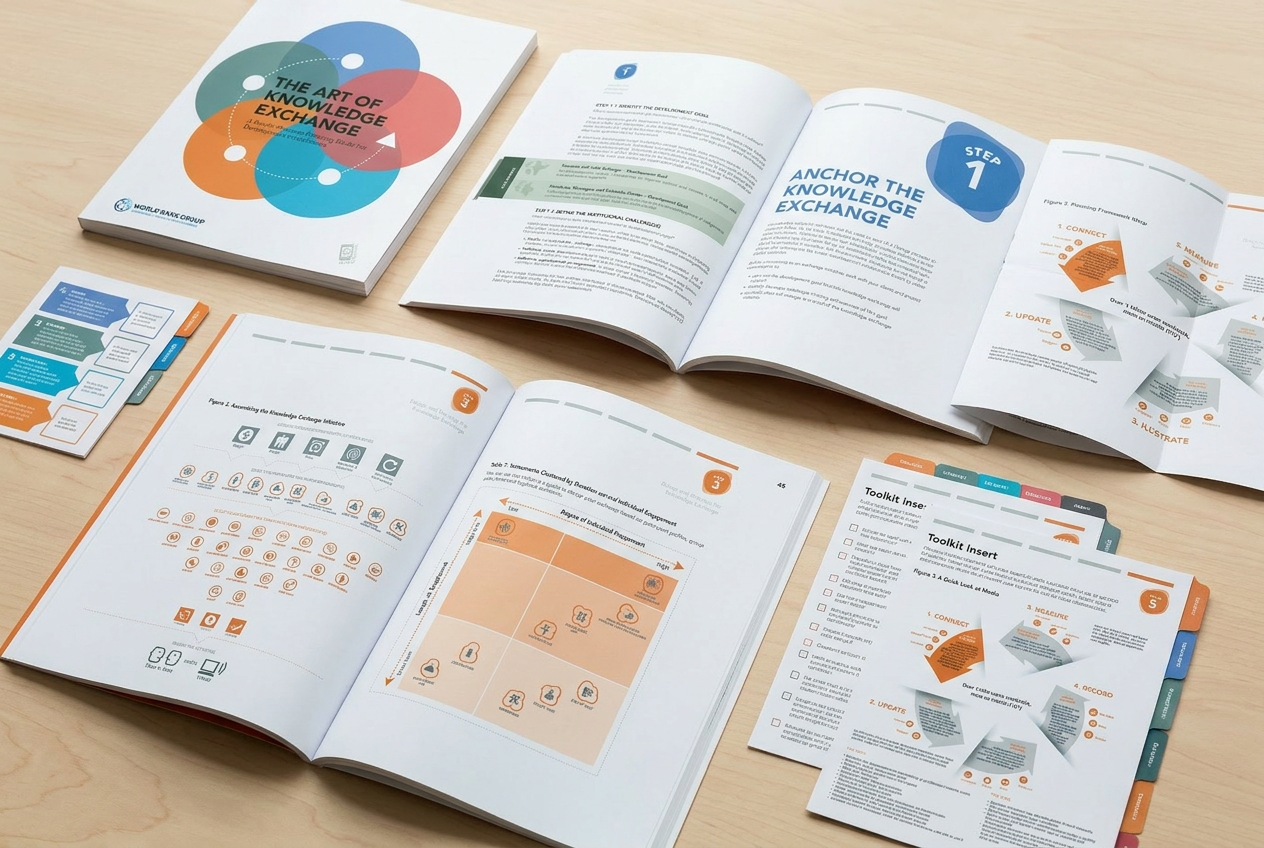
A knowledge product is not a report. It's a communication decision. The difference between a technical document that sits in a shared drive and a knowledge product that actually changes how practitioners work is almost entirely a design decision — and it happens before the first word is written.
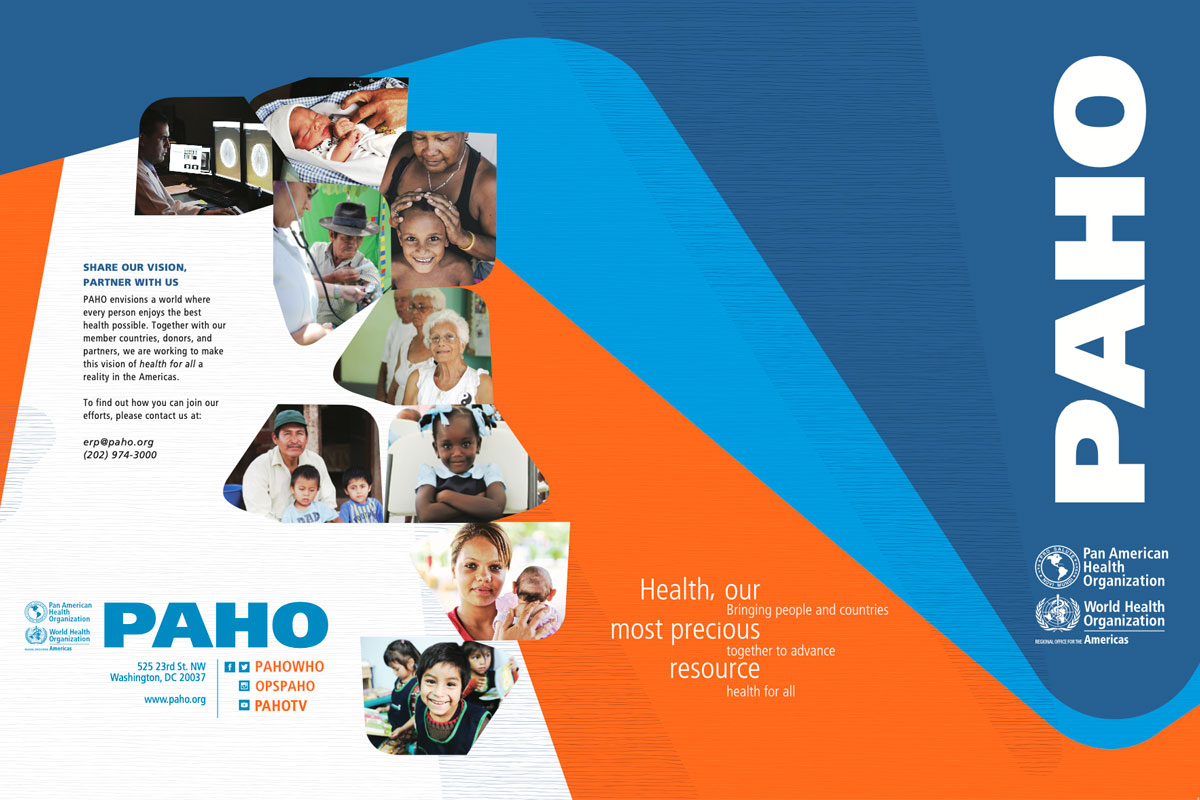
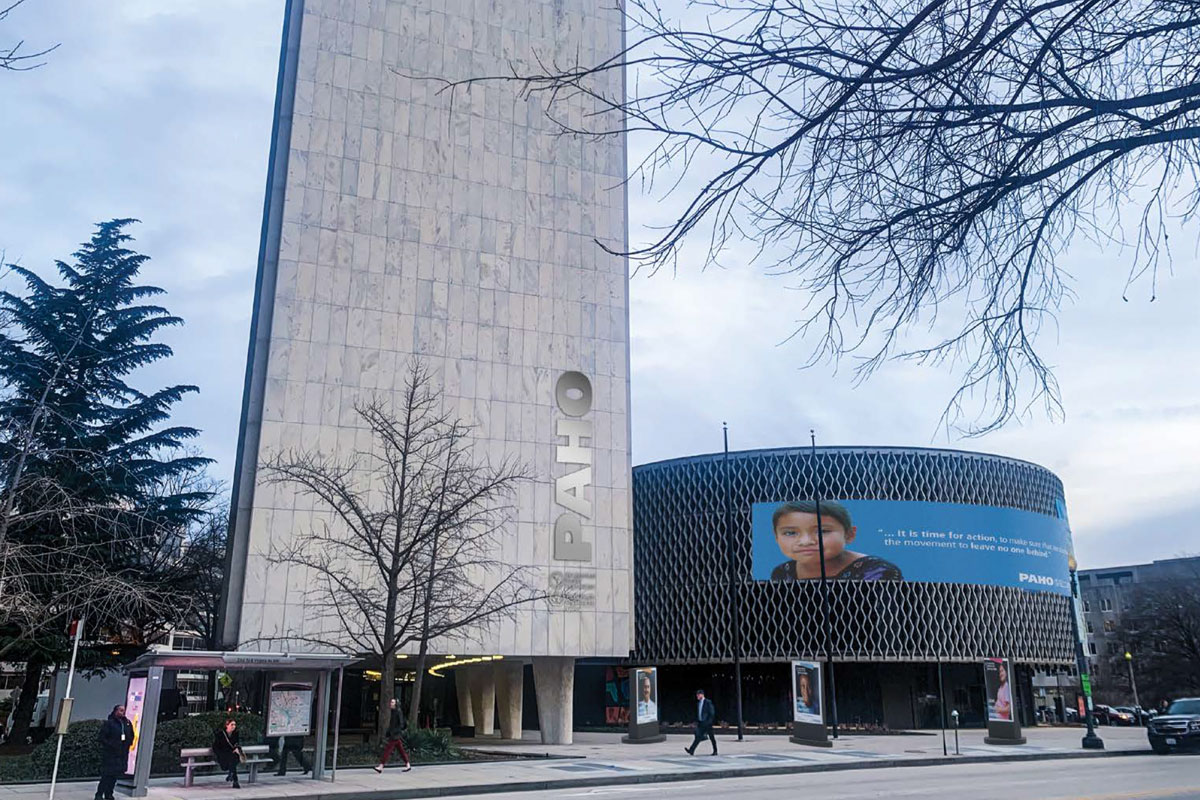
The best knowledge products I've helped design for the World Bank, GFDRR, PAHO, and partner organizations share three qualities: they know exactly who they're talking to, they structure information in the order that audience needs it, and they use visual hierarchy to make the most important insights impossible to miss.
That last point is underrated. Visual hierarchy in a knowledge product isn't decorative — it's editorial. The size of a heading, the weight of a pull quote, the placement of a figure all tell the reader what matters and what can be skimmed. Getting that right is what separates a knowledge product that influences policy from one that fulfills a reporting requirement.
The institutions that do this best treat knowledge products as strategic communication investments, not production tasks. That shift in framing changes everything about how they're designed, reviewed, and used.
Campaign Systems
How Campaign Systems Help Global Initiatives Communicate Better
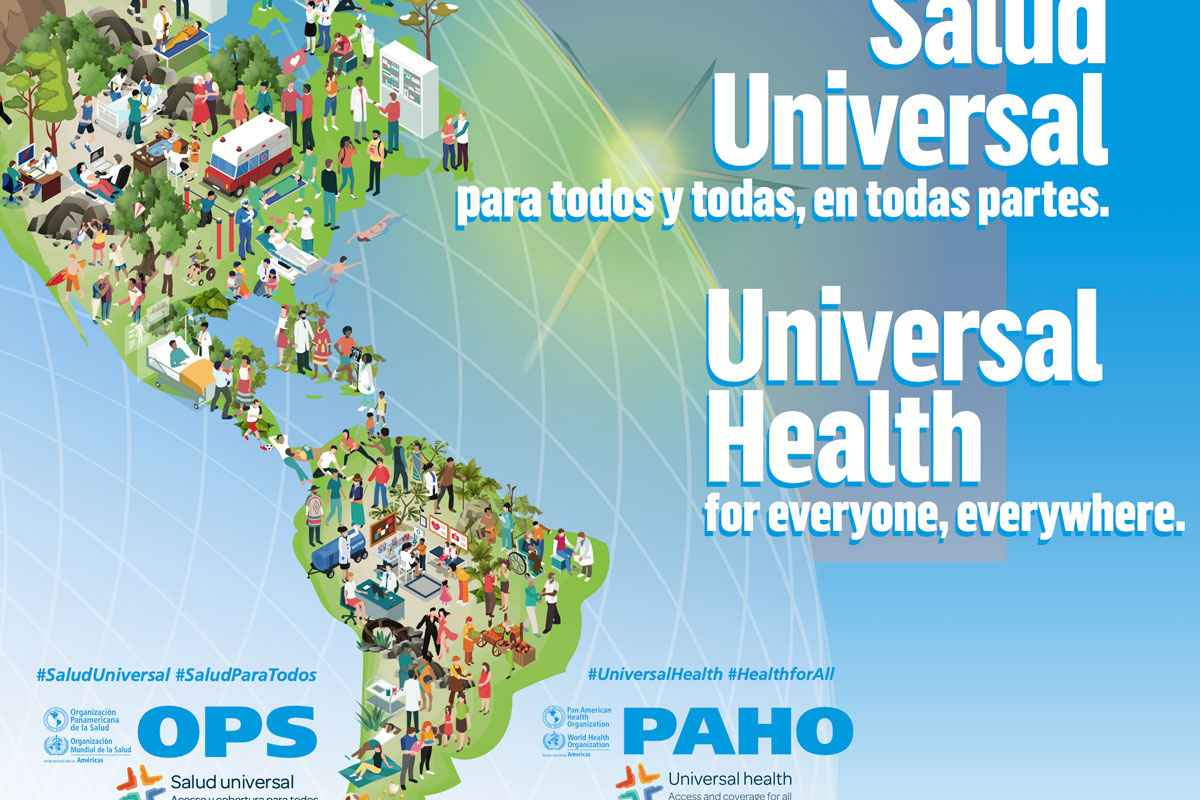
The difference between a campaign and a campaign system is the difference between a single conversation and a sustained relationship. A campaign is a moment — a launch, an awareness day, a conference. A campaign system is the visual infrastructure that makes that moment part of a coherent, recognizable ongoing communication strategy.
For global initiatives — Universal Health Day, World AIDS Day, disaster resilience programs, climate action campaigns — this distinction is especially important. These programs communicate continuously, across dozens of countries, in multiple languages, through partner organizations that each have their own visual environments. Without a system, the campaign fragments.
A good campaign system answers a specific set of questions before production begins: What is the visual core that must hold across all touchpoints? What can flex for local context? What rules govern the use of color, typography, and imagery? What does a correct execution look like versus an incorrect one?
When those questions are answered at the system level, everything downstream becomes faster, cheaper, and more consistent. Partners can execute independently. New assets can be created without starting from scratch. And the campaign accumulates visual equity rather than dissipating it.
Need to turn complex institutional content into a clear visual story?
Start a project with IGRAPHI — strategic design for international organizations, NGOs, and development institutions. Washington, DC.
Start a Project →
View All Services